
Error Detection and Correction
Summary
Degree programs
Research themes
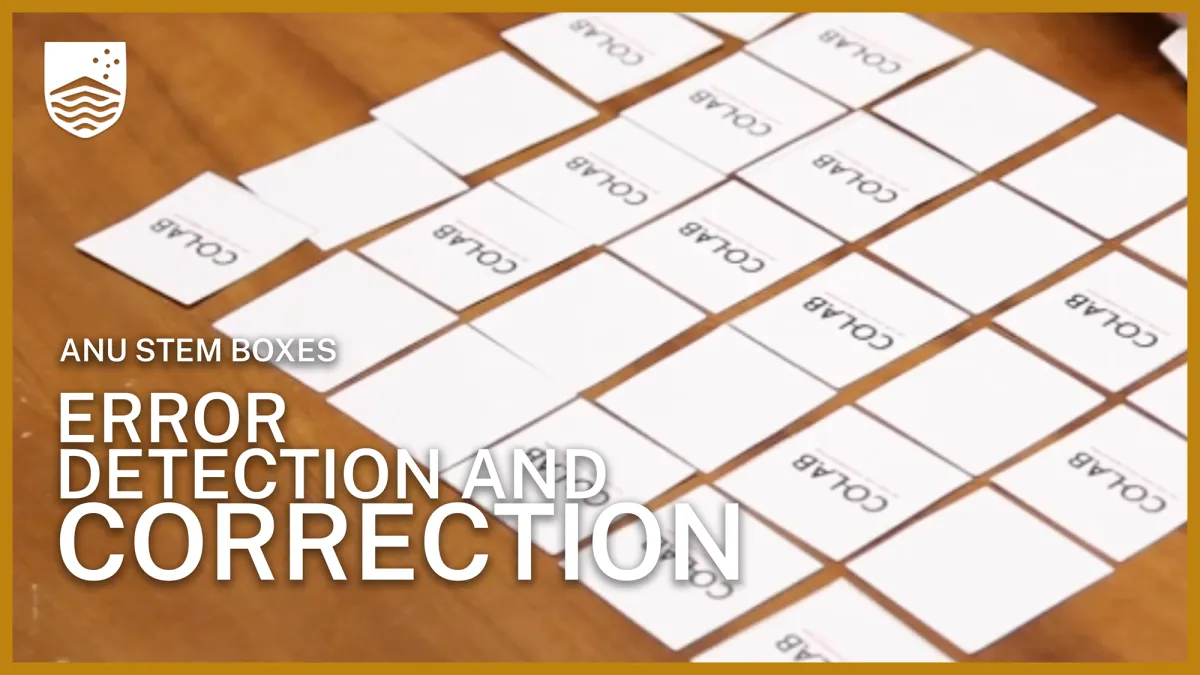
This activity is part of our Science Lab series. Check out the ANU Science Lab for more experiments and activities to try at home. In this activity, you will use a grid of cards to investigate how computers detect errors in digital information. By creating and checking parity patterns, you will discover how a single error can be identified and located using simple mathematical rules. Watch the video above to see a demonstration.
Materials
For this activity, you will need:
- 36 identical cards that can be placed face up or face down
- A large table or flat surface
- A partner
- Printed worksheet
How to detect an error using parity cards
For this activity:
- Face-up cards represent 1
- Face-down cards represent 0
Step 1: Create the data grid
- Set aside 11 cards.
- Arrange the remaining 25 cards in a 5 × 5 grid. This 5 × 5 grid represents your data.
- Decide whether each card will be face up or face down.
Step 2: Add the parity cards
- Count the number of face-up cards in each row.
- Use five of the remaining cards to create an extra column on the right side of the grid.
- Choose which side up to place the card at the end of each row so that every row contains an even number of face-up cards.
- Use another five cards to create an extra row along the bottom of the grid so that every column contains an even number of face-up cards.
- Add the final card in the bottom-right corner so that the last row and last column also contain an even number of face-up cards.
- You should now have a 6 × 6 grid.
Step 3: Introduce an error
- Ask a partner to study the completed grid.
- Turn away or cover your eyes.
- Ask your partner to flip a single card anywhere in the 6x6 data grid.
- The partner should not tell you which card was changed.
Step 4: Find the error
- Examine each row and identify any row that no longer contains an even number of face-up cards.
- Examine each column and identify any column that no longer contains an even number of face-up cards.
- The card located where the incorrect row and incorrect column intersect is the card that was flipped.
How does it work?
Computers store and transmit information using binary digits, or bits. Each bit can have one of two values: 0 or 1.
When information is sent between devices, errors can sometimes occur. A 0 may accidentally change to a 1, or a 1 may change to a 0.
One way to detect these errors is through parity checking.
Parity checking adds an extra bit to a group of data. This extra bit is chosen so that the total number of 1s is either:
- Even (even parity), or
- Odd (odd parity)
In this activity, the additional row and column act as parity checks.
When a card is flipped:
- One row no longer matches the parity rule.
- One column no longer matches the parity rule.
- The intersection of that row and column identifies the incorrect card.
This method allows a single error to be detected and located quickly.
Parity checking is a simple form of error detection and has been used in computer memory, data transmission systems and digital communications.
Science fair project: Take it further
Once you have mastered parity checking, investigate how well the system works under different conditions.
- What happens if two cards are flipped instead of one? Can you still identify the errors?
- What happens if three cards are flipped?
- Does the position of the flipped cards affect your ability to detect errors?
- Create a larger grid, such as 8 × 8. Does increasing the amount of data affect the reliability of the system?
- Try using odd parity instead of even parity. Does the method still work?
- Design your own error-detection system. Can you create a method that detects more errors than simple parity checking?
- Create a table to record your results. How many errors can your parity system detect? Under what conditions does it fail?
Enjoyed this experiment? Explore more hands-on activities on the Science Lab ANU YouTube channel.


